


4/25/13
The Eclipse IDE has become so popular for Java development that it was only a matter of time before it was extended for HTML and JavaScript as well. With regards to the latter, the JavaScript Development Tools (JSDT) plug-in supports the development of JavaScript applications as well as JavaScript within web applications. It adds a JavaScript project type and perspective to the Eclipse Workbench as well as a number of views, editors, wizards, and builders. Moreover, it adds the all-important context to the JS object model for context-aware auto-completion. In today’s article, we’ll use the JSDT plugin to enhance the development of a static web project. Later, we’ll explore the integration of third party JS libraries, debugging features, and how to unit test scripts written using the JSDT.
JSDT Components
The JavaScript Development Tools (JSDT) are broken down into four packages, which include:
- JSDT Core: includes the parser, compiler, DOM and more.
- JSDT UI: includes all of the user interface bits to create the JavaScript IDE (wizard, dialogs, preferences, etc).
- JSDT Debug: includes support for debugging JavaScript using Rhino and Crossfire.
- JSDT Web: includes support for client-side web pages and JavaScript, as implemented in the Eclipse Web Tools Project (WTP).
Online Help
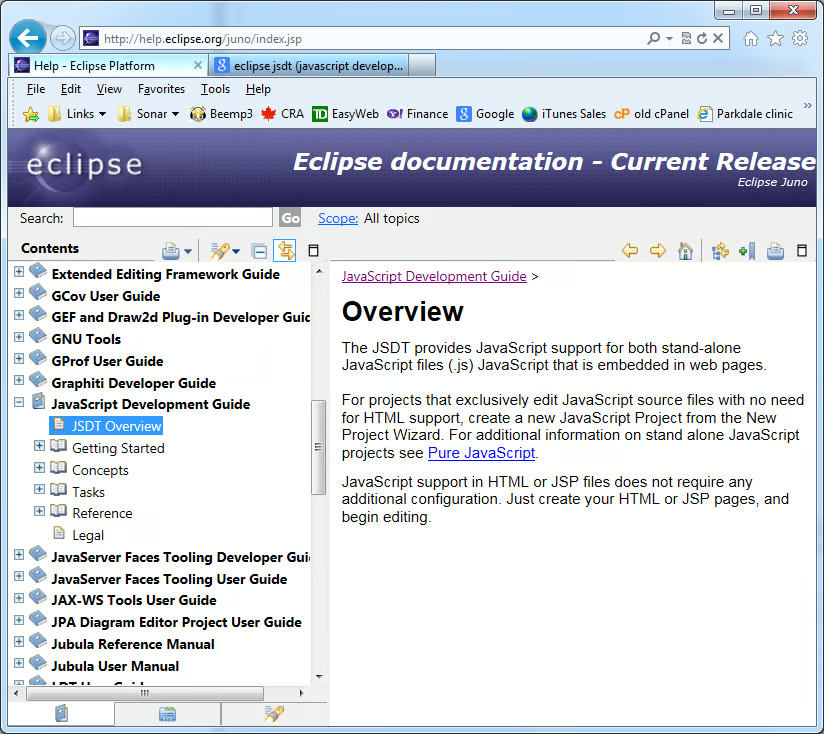
Help can be found online on the Eclipse site. For instance, the Juno Help Page can be found here.
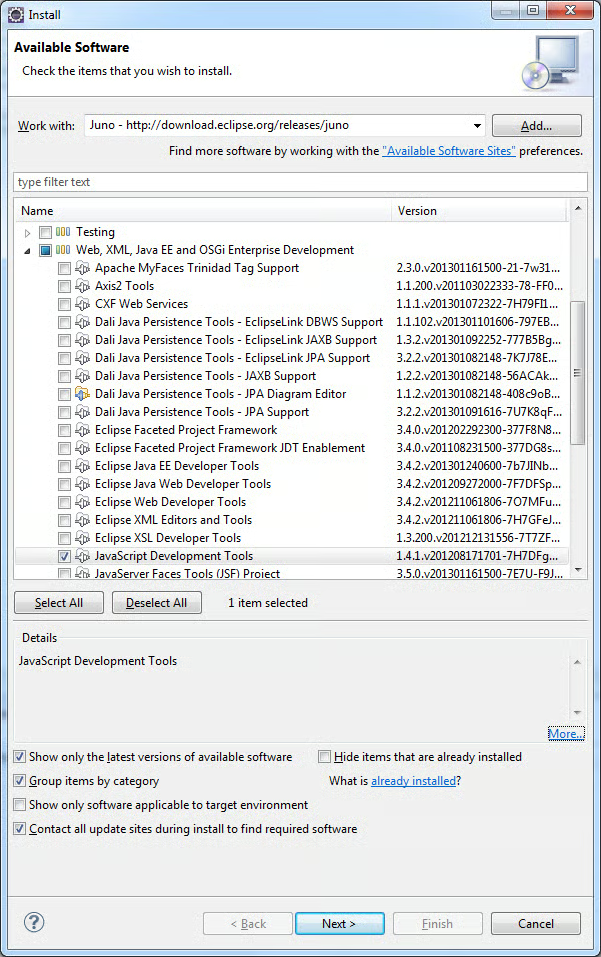
Features
java.lang.NoClassDefFoundError: org/eclipse/jetty/webapp/WebAppContext
Caused by: java.lang.ClassNotFoundException: org.eclipse.jetty.webapp.WebAppContext
	at java.net.URLClassLoader$1.run(Unknown Source)
	at java.security.AccessController.doPrivileged(Native Method)
	at java.net.URLClassLoader.findClass(Unknown Source)
	at java.lang.ClassLoader.loadClass(Unknown Source)
	at sun.misc.Launcher$AppClassLoader.loadClass(Unknown Source)
	at java.lang.ClassLoader.loadClass(Unknown Source)
Exception in thread "main"
Most likely, this will be fixed in the upcoming June, 2013 release.
In the meantime, the workaround is to not use a server to view your Static Web Projects. This shouldn’t be a problem since HTML and JS resources don’t require a server anyway. Even Ajax should work without one.
So instead of Run As > Run on server…, select Open With > Web Browser from the menu. By default that will still open the page using the built-in Web browser. If you wish, you can select another browser via Window > Web Browser from the main menu. From there you can select the default system browser or a specific installed browser. Should the browser that you want not show up in that list, you can add it manually from the Preferences under General > Web Browser in the left-hand tree.
Conclusion
In today’s article, we learned how to configure and utilize the JSDT plugin for Eclipse. In the next one, we’ll learn how to add external third-party libraries to our projects.
